MinIO Alternatives Compared: RustFS, SeaweedFS, and Garage

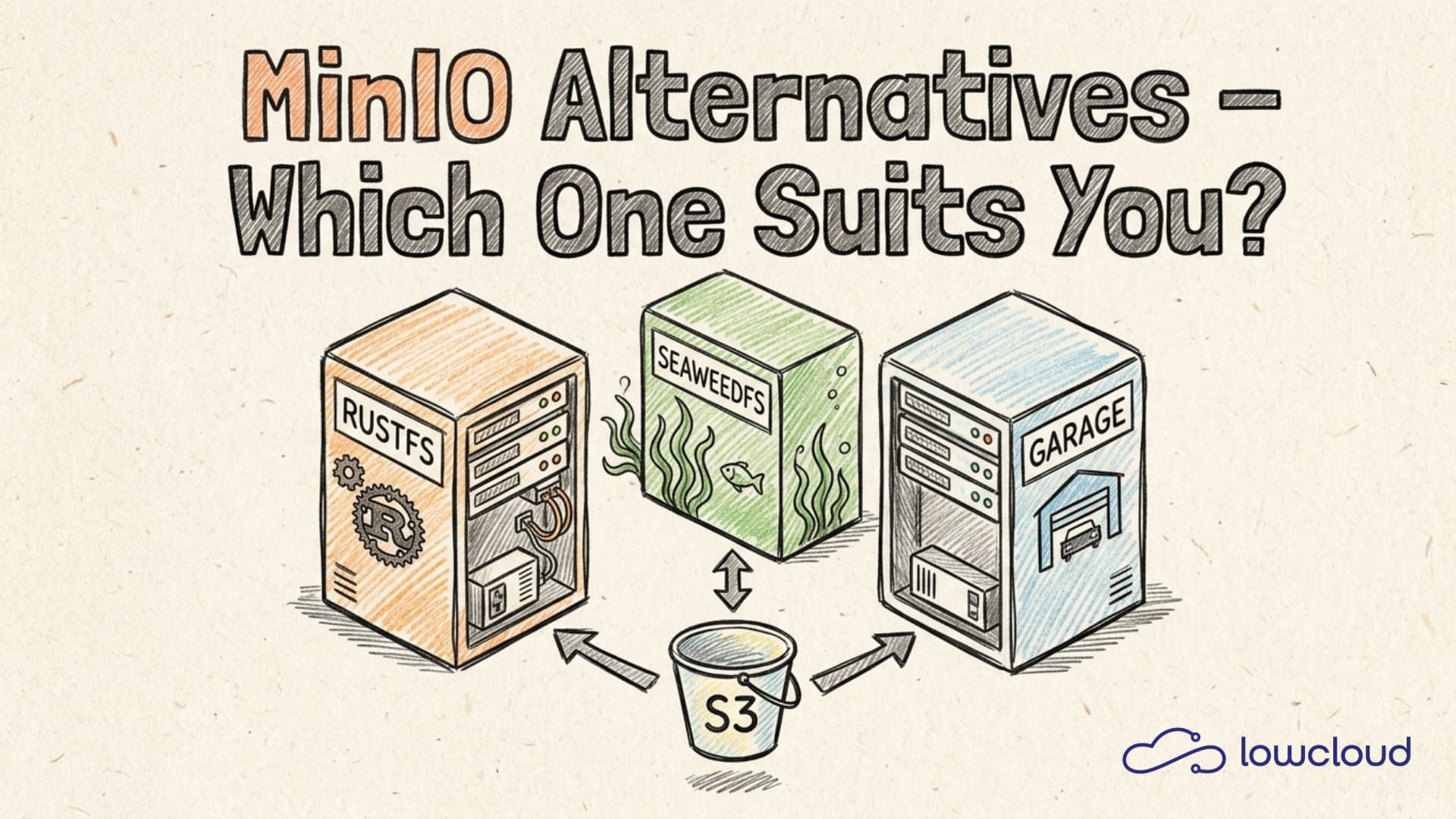
MinIO was the go-to answer for self-hosted S3-compatible object storage for years. Easy to install, well-documented, API-compatible with AWS S3 — that was enough for most use cases. But after the switch to an AGPL-3.0 license and a shift in business focus, many teams are now asking whether MinIO is still the right choice. Anyone running MinIO inside a proprietary product or internal service either needs to purchase a commercial license or seriously evaluate the MinIO alternatives. This article compares three of them: RustFS, SeaweedFS, and Garage, all S3-compatible, all self-hosted.
Why MinIO is up for debate
MinIO hasn't done anything wrong technically. The software is fast, well-maintained, and still one of the most mature options in the self-hosted object storage space. The problem is the licensing model.
With the switch to AGPL-3.0, MinIO Inc. drew a clear line: anyone running MinIO inside a product or service that isn't itself published under AGPL needs a commercial license. For many companies using MinIO as a backend for their own services, this is a real problem, not necessarily because of the cost, but because of the uncertainty. AGPL is a red flag in many legal departments, regardless of how defensible the specific use case might be.
On top of that, MinIO is increasingly orienting itself toward enterprise customers. Features and documentation follow that focus. Teams looking for simple, low-maintenance storage for a smaller setup will often find a better fit among the alternatives.
What a real S3 alternative needs to deliver
"S3-compatible" is not a binary property, and that's important to understand before comparing systems.
S3 API depth: The basic operations — PutObject, GetObject, DeleteObject, ListBuckets, ListObjects — are supported by almost every implementation. Problems arise with less commonly used features like multipart uploads with specific part sizes, Object Lock, Bucket Versioning, server-side encryption, or pre-signed URLs with specific parameters. Anyone running tooling or applications that depend on these features needs to check compatibility explicitly upfront.
Clustering and high availability: How does the system distribute data across multiple nodes? How does it behave when a node fails? How is the cluster expanded without causing downtime?
Kubernetes integration: Are Helm charts available? Is there an operator model with automated Day-2 management? CSI drivers for Persistent Volumes? This has a significant impact on actual operational overhead in a Kubernetes environment.
Simplicity and resource consumption: The smaller the team, the more important it is that the system can be operated cleanly without dedicated storage expertise.
Rust-based MinIO alternative: RustFS
RustFS is the youngest of the three projects. It explicitly positions itself as a MinIO successor: same deployment model, same S3 API, but implemented in Rust and licensed under Apache 2.0. The latter is the key point. Apache 2.0 can be used in almost any environment without legal concerns.
The project has gained momentum since 2024, but it's still relatively young. For production deployments with high demands on stability and feature completeness, the release notes and issue tracker deserve close attention. That's not a free pass, but an honest reflection of where things stand today.
Installation and Kubernetes integration
RustFS can be deployed similarly to MinIO, as a single binary or as a container. An official Helm chart exists but is still under development. Anyone wanting a clean Kubernetes setup currently needs to do more manual work than with the more established alternatives.
# RustFS runs as UID 10001 — prepare the directory first
mkdir -p ./data && chown -R 10001:10001 ./data

docker run -d --name rustfs \
  -p 9000:9000 -p 9001:9001 \
  -e RUSTFS_ACCESS_KEY=mykey \
  -e RUSTFS_SECRET_KEY=mypassword \
  -v ./data:/data \
  rustfs/rustfs:latest /data
Port 9000 is the S3 API, port 9001 is the web console. Without RUSTFS_ACCESS_KEY and RUSTFS_SECRET_KEY, RustFS falls back to default credentials (rustfsadmin/rustfsadmin). For production deployments, set them explicitly.
Compatibility with the mc client (MinIO Client) makes the switch comparatively smooth for teams already familiar with MinIO. Same commands, same concepts, just a different binary.
S3 compatibility and performance
RustFS covers the most common S3 operations. Less commonly used features like Object Lock or certain encryption modes still have gaps. Performance is good thanks to the Rust implementation, but hasn't been systematically benchmarked against SeaweedFS or MinIO in a direct comparison yet.
RustFS verdict: Interesting as a long-term project that's clean on licensing and deliberately designed for MinIO compatibility. For critical production deployments today, proceed with caution.
SeaweedFS — the proven all-rounder
SeaweedFS is a different caliber. The project has existed since 2012, is written in Go, and has proven itself in production deployments at medium to large scale. The architecture differs fundamentally from MinIO and RustFS: SeaweedFS separates the master server (metadata management), volume servers (actual data), and optionally a filer (filesystem interface and S3 emulation).
Operations and clustering
That separation is exactly what makes SeaweedFS powerful, but also more complex. A minimal setup requires at least one master and one volume server. For high availability, a 3-master cluster with RAFT consensus is recommended.
# Shared network so the containers can reach each other
docker network create seaweedfs

# Master server: manages metadata and coordinates the cluster
docker run -d --name weed-master \
  --network seaweedfs -p 9333:9333 \
  chrislusf/seaweedfs master

# Volume server: stores the actual data
docker run -d --name weed-volume \
  --network seaweedfs -p 8080:8080 \
  -v ./data:/data \
  chrislusf/seaweedfs volume -mserver=weed-master:9333 -dir=/data

# Filer: exposes the S3 interface, applications connect on port 8333
docker run -d --name weed-filer \
  --network seaweedfs -p 8333:8333 \
  chrislusf/seaweedfs filer -master=weed-master:9333 -s3 -s3.port=8333
Helm charts for Kubernetes exist and are significantly more mature than RustFS's. The operational overhead is higher than a single-binary solution, which should be factored into the decision.
Use cases
SeaweedFS shines where large numbers of small to medium-sized files are stored, typical workloads like user uploads, build artifacts, and backup data. The S3 API support runs through the filer and is good, but not identical to the original AWS API in every detail. Multipart uploads work; Versioning and Object Lock have limitations.
One advantage that rarely gets mentioned: SeaweedFS supports FUSE mounts, WebDAV, and its own HTTP interface alongside the S3 API. Teams that need multiple access models from a single system have an interesting option here.
SeaweedFS verdict: The most mature and flexible MinIO alternative in this comparison. For teams with operational capacity and a need for scalable storage, it's the most solid starting point. The complexity cost is real, but it buys genuine scalability.
Garage — lightweight and geo-distributed
Garage comes from a different context. The project was developed to enable distributed object storage for geo-redundant setups, scenarios where nodes don't sit in the same data center. That's a use case that MinIO and SeaweedFS explicitly don't handle well.
Architecture specifics
Garage has no central master node. All nodes are peers; coordination runs through a RAFT-like protocol. Zone-awareness is built in: Garage deliberately distributes replicas across different availability zones or physical locations.
# Required: create a configuration file (Garage won't start without it)
cat > ./garage.toml << 'EOF'
metadata_dir = "/meta"
data_dir = "/data"
replication_factor = 1
rpc_secret = "$(openssl rand -hex 32)"
rpc_bind_addr = "[::]:3901"

[s3_api]
s3_region = "garage"
api_bind_addr = "[::]:3900"

[admin]
api_bind_addr = "[::]:3903"
EOF

# Start Garage
docker run -d --name garage \
  -p 3900:3900 -p 3901:3901 -p 3903:3903 \
  -v ./garage.toml:/etc/garage.toml \
  -v ./data:/data \
  -v ./meta:/meta \
  dxflrs/garage:v1.0.1

# Show node ID
docker exec garage garage node list

# Assign each node to a zone (-z) and set storage capacity (-c, in bytes)
docker exec garage garage layout assign -z dc1 -c 1000000000000 <node-id>

# Apply the layout (N = version number shown after layout assign)
docker exec garage garage layout apply --version 1
Setup effort is minimal. A single binary, a TOML configuration file, that's it. An official Helm chart with good documentation is available for Kubernetes.
What Garage can and can't do
S3 compatibility is solid for common operations. Bucket Versioning and Object Lock are missing or still experimental. Garage is not optimized for workloads requiring extremely high throughput or thousands of requests per second.
On the other hand, Garage is remarkably resource-efficient. A node runs comfortably on a small VPS with 2 GB of RAM. For home lab setups, smaller production systems, and any scenario where geo-redundancy matters, Garage is an excellent choice.
Garage verdict: The simplest system in this comparison, with a clear focus and an architecture model that's unique in this space. Teams that need geo-redundancy or are looking for lean, low-maintenance storage should seriously consider Garage.
Direct comparison: RustFS vs SeaweedFS vs Garage
| Criterion | RustFS | SeaweedFS | Garage |
|---|---|---|---|
| License | Apache 2.0 | Apache 2.0 | AGPL-3.0 |
| Language | Rust | Go | Rust |
| S3 compatibility | Good (in development) | Good (via filer) | Solid (core features) |
| Clustering | Yes (MinIO mode) | Yes (master-volume) | Yes (no master) |
| Geo-redundancy | Limited | Limited | Built-in |
| Kubernetes Helm chart | Available (WIP) | Available (mature) | Available (good) |
| Operational overhead | Low | Medium to high | Low |
| Maturity | Early | High | Medium |
| Community activity | Growing | Active | Active |
Note: Garage is also licensed under AGPL-3.0. For internal setups this is generally not a problem; for products with proprietary code, the same review requirements apply as with MinIO.
For a complete overview of all S3-compatible solutions, including managed options like Cloudflare R2, Backblaze B2, and Hetzner Object Storage, see the comparison of all S3-compatible object storage solutions.
Which MinIO alternative fits which use case?
Home lab and small teams: Garage is the most straightforward choice here. Simple setup, low resource consumption, good documentation. For anyone needing geo-redundancy across multiple locations, there's no real comparable alternative to Garage.
Kubernetes-native deployments: SeaweedFS has the most refined Kubernetes integration and the broadest feature set. For teams treating object storage as a serious part of their infrastructure, it's the most solid starting point.
MinIO migration with minimal rework: Teams looking to replace an existing MinIO installation while changing as little as possible about existing processes should keep an eye on RustFS. The project is explicitly designed for this use case, but maturity should be evaluated carefully.
Production systems with high write loads: SeaweedFS. No other system in this comparison has been more thoroughly proven for this workload.
Teams that want to skip the operational work entirely can deploy RustFS on lowcloud directly as a Helm release: no manual cluster setup, no self-managed monitoring, running on sovereign European infrastructure.
The conclusion is unspectacular, but honest: there is no universally best MinIO alternative. RustFS is the most direct replacement but not yet mature enough for critical production workloads. SeaweedFS is the most powerful and proven system, but also the most operationally demanding. Garage is the lightest and most elegant for distributed setups, with a clearly defined strengths-and-weaknesses profile. The right choice depends on what you actually need: license clarity, scalability, geo-redundancy, or simply less operational overhead.
Hetzner Kubernetes Hosting with lowcloud
Run Kubernetes on Hetzner without the ops overhead: lowcloud combines affordable EU infrastructure with full cluster management for product teams.
What is Docker Swarm? Container Orchestration Built In
Docker Swarm explained: clusters, services, overlay networks, and how it compares to Kubernetes. When Swarm is the right choice for container orchestration.