AI Agent Infrastructure: What You Really Need for Production

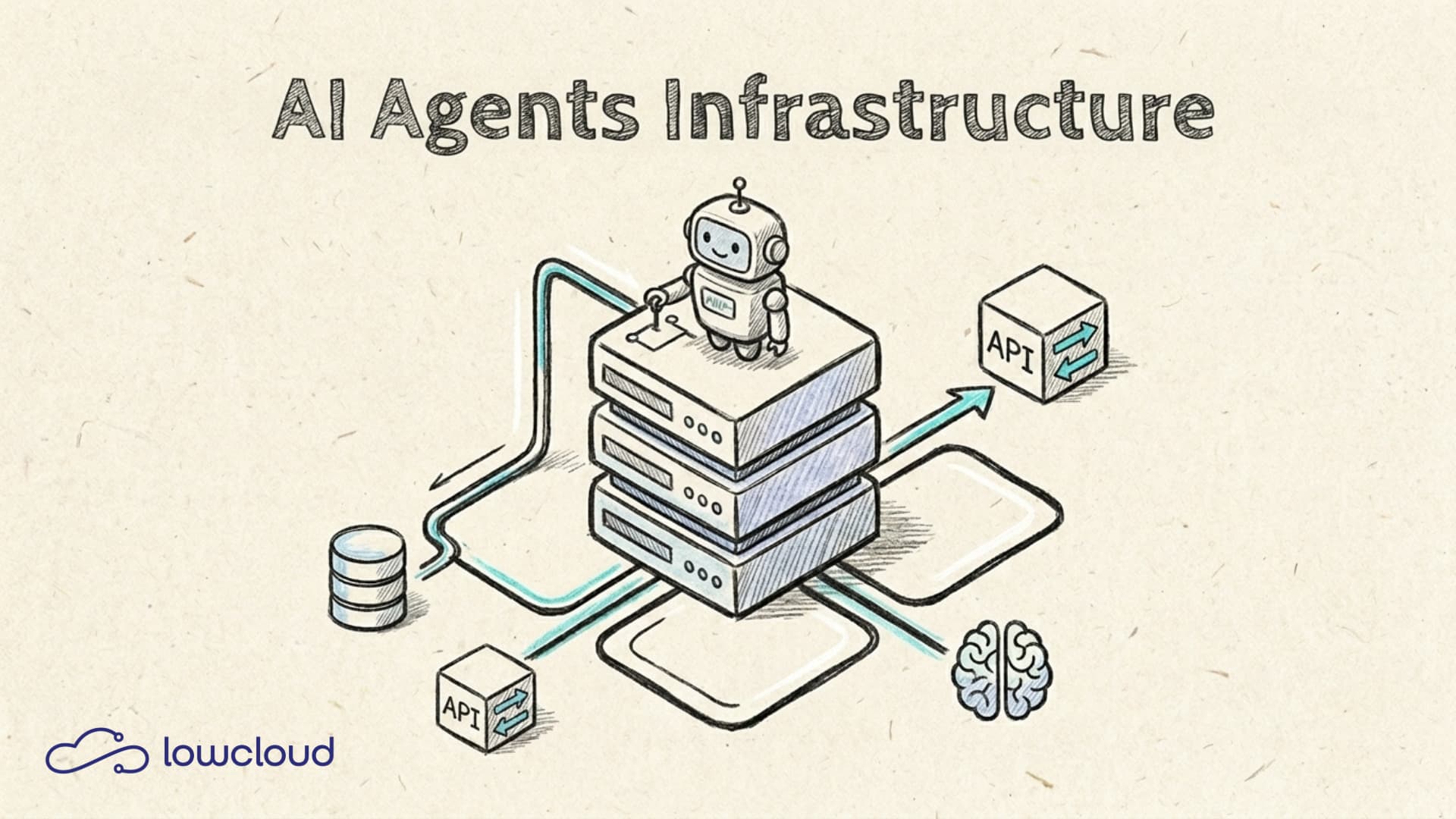
An AI agent is not a single API call. Behind it lies an entire infrastructure layer of model hosting, orchestration, memory, and observability. That's exactly where many teams stumble when moving from prototype to production. This article covers the components you need for a functional AI agent infrastructure and how they work together.
What Is an AI Agent, Technically?
The term "AI agent" is being used for everything right now. A quick distinction: a simple chatbot responds to inputs. An AI agent, by contrast, can make independent decisions, call tools, and execute tasks across multiple steps without a human needing to trigger each step manually.
Technically, it usually works like this: the language model analyzes the task, decides which tool to call, executes the call, evaluates the result, and then decides whether the task is done or whether further steps are needed. This Reason-Act Loop is the core element. Model, orchestration, memory, and tools form the infrastructure that keeps this loop running.
The Infrastructure Layers at a Glance
A production-ready AI agent infrastructure consists of four main layers:
- The language model is the "brain" of the agent.
- Orchestration controls the flow of the agent.
- Tools and actions give the agent the ability to interact with the outside world.
- Memory holds context beyond individual requests.
On top of these come cross-cutting concerns like observability, security, and cost control. Let's look at each layer in detail.
Layer 1 – The Language Model
The first decision is whether to use a model via an external API or host it yourself. Both paths have clear use cases.
Hosted APIs like OpenAI, Anthropic, or Mistral are the fastest entry point. You pay per token, don't need to manage GPU infrastructure, and benefit from fast model updates. For most teams, this is the right starting point, as long as cost, privacy, and latency aren't an issue.
Self-hosted models make sense when you have data sovereignty requirements and can't send data to external APIs, when API costs exceed infrastructure costs at high request volumes, or when you want to fine-tune a specialized model.
For self-hosting, you need GPU capacity (on-premise or cloud), an inference server like vLLM or Ollama, and an API layer through which your agent reaches the model. It's more operationally demanding, but gives you full control.
Layer 2 – Orchestration
The orchestration framework is the glue between model, tools, and memory. It controls what happens in which order, and ensures the agent runs its Reason-Act Loop correctly.
The most widely used frameworks today:
- LangChain is the oldest and most comprehensive framework. It offers ready-made integrations for almost everything, but can get complex quickly. It works well for prototypes and teams that want many pre-built building blocks.
- LlamaIndex is more focused on retrieval and data integration and is particularly well suited when an agent primarily works over your own documents or data.
- CrewAI is designed for multi-agent scenarios where multiple specialized agents collaborate.
- AutoGen from Microsoft takes a similar approach to CrewAI, but focuses on conversation between agents.
For simpler use cases, a direct integration of OpenAI's Assistants API or Anthropic's Tool Use functionality often suffices, without an additional framework.
The choice of framework has long-term implications for maintainability and debugging. Start simple, and add complexity only when you actually need it.
Layer 3 – Tools and Actions
What an agent can "do" depends on its tools. In practice, these are mostly functions the model can call via Function Calling or Tool Use, depending on the model provider. These can include:
- HTTP requests to external APIs
- Database queries
- File reading and writing
- Code execution
- Browser interaction
The critical point here is sandboxing. An agent that can execute code must run in an isolated environment. Without isolation, a poorly worded prompt can lead to unintended system access. Kubernetes offers good tools here: resource limits, network policies, and separate namespaces for agent workloads.
You should also think about secrets management early. API keys for external services should never appear in the prompt or tool definitions, but should be managed through a dedicated secrets store like Vault or Kubernetes Secrets.
Layer 4 – Memory
The context window of a language model is limited. For short tasks, sending the full context along is fine. For longer workflows or agents that need to "remember" across sessions, you need explicit memory layers.
Short-term memory is the conversation history in the prompt. Frameworks like LangChain manage this automatically, including compression strategies when the context gets too large.
Long-term memory requires persistent storage. This is where vector databases come in: Chroma, Qdrant, Weaviate, or pgvector as a PostgreSQL extension. Information is stored as vectors and retrieved semantically on demand, so the agent can query the database for relevant memories instead of keeping everything in the prompt.
For many production scenarios, pgvector is sufficient if you're already running PostgreSQL. Dedicated vector databases like Qdrant are worth it at very high volumes or when vector search is a core feature.
AI Agent Infrastructure on Kubernetes
Once agents need to go into production, questions quickly arise that go beyond the framework itself: How do I scale under high load? How do I deploy updates without interrupting running agent tasks? How do I isolate different agent types from each other?
Kubernetes for production deployments provides a solid foundation for all of this, provided you account for a few specifics of agent workloads.
Agent processes are often long-running and unpredictable in their resource consumption. An agent processing a complex task may require significantly more CPU and memory than a short API call. Agents should therefore be configured with resource limits and requests, and critical runs should ideally run on dedicated node pools.
For horizontal scaling, agent workers work well. Instead of scaling a monolithic agent, you process tasks from a queue (e.g., Kafka or RabbitMQ) with a configurable number of worker pods. Kubernetes-native solutions like KEDA can help automatically adjust the number of workers based on queue length.
Rolling updates are more critical for agents than for classical services. If a model or framework update changes the agent's behavior, you want to roll that out in a controlled way. Canary deployments help test new versions on a subset of traffic before fully switching over.
If you use a Kubernetes platform that addresses these aspects out of the box, it saves considerable setup effort. Lowcloud provides exactly that: a hardened Kubernetes base with network isolation, resource controls, and deployment workflows on which you can build agent infrastructure directly.
Observability: Watching the Agent Think
Debugging AI agents is different from debugging regular services. A 500 error is easy to find. But when an agent makes the wrong decision, the problem lies somewhere in the interplay of prompt, model output, and tool call. Without good tracing, that's nearly impossible to diagnose.
That's why distributed tracing at the agent level is not a nice-to-have. Tools like LangSmith (for LangChain-based agents), Langfuse, or Arize Phoenix give you a complete trace of every agent run: which tools were called, what the model decided next, how long each step took, how many tokens were consumed.
At the infrastructure level, you also need classic observability tools like Prometheus and Grafana for metrics (latency, error rate, token consumption) and Loki or Elasticsearch for structured logging.
One point that's often underestimated is prompt logging. All prompts sent to the model in production should be stored persistently, at least for a period of time. When an agent shows unexpected behavior, the full prompt is often the only thing that helps you figure out why.
From Prototype to Production — What Actually Changes
A working prototype obscures what production really requires. The most common gaps are the following.
Error handling: Agent loops can get stuck in infinite loops or freeze on tool errors. Timeouts, retry logic, and maximum iteration limits are mandatory.
Cost control: Without token budgets, a single poorly worded prompt can get surprisingly expensive. Set hard limits per run and monitor token consumption at an aggregated level.
Privacy and compliance: What goes into the prompt? If personal data or internal documents are part of the context, that needs to be addressed in the architecture, both in model hosting and memory design. The EU AI Act obligations for deployers add further requirements around logging and human oversight that directly affect production agent systems.
Reliability: External APIs your agent calls can fail. Circuit breakers and fallback strategies prevent a single tool failure from destroying the entire agent run.
These points sound trivial, but in practice, the list of things that can go wrong in production is significantly longer than when building the prototype.
Infrastructure Is Not Optional
AI agents are not a feature you just deploy. They place real demands on isolation, scaling, observability, and security. Those demands grow with the complexity of the tasks the agent handles.
The stack is manageable: a language model (hosted or self-run), an orchestration framework, tool integration with clean sandboxing, a memory layer for persistent context, and Kubernetes as the foundation for production deployments. What makes the difference is not the choice of any single tool, but how well these layers work together.
If you're new to Kubernetes, a step-by-step Kubernetes migration covers the preparation work that makes the difference between a stable cluster and a frustrating one. If you're looking for a Kubernetes platform on which you can build this stack without having to configure every aspect yourself, take a look at Lowcloud. The platform is built specifically for teams that want to run containerized workloads including AI agent infrastructure in production without needing to develop in-house Kubernetes expertise.
Self-Host Docmost with Docker Compose and Traefik: Complete Guide
Learn how to self-host Docmost on your own server using Docker Compose and Traefik as a reverse proxy. A step-by-step tutorial for GDPR-compliant documentation.
Managed Services ROI: Why Self-Hosting Costs More Than You Think
A full TCO comparison of self-hosted vs. managed Kubernetes. Why running your own cluster often costs 60% more than expected – with a concrete cost model.