Kubernetes Migration: What You Need to Know Before You Start

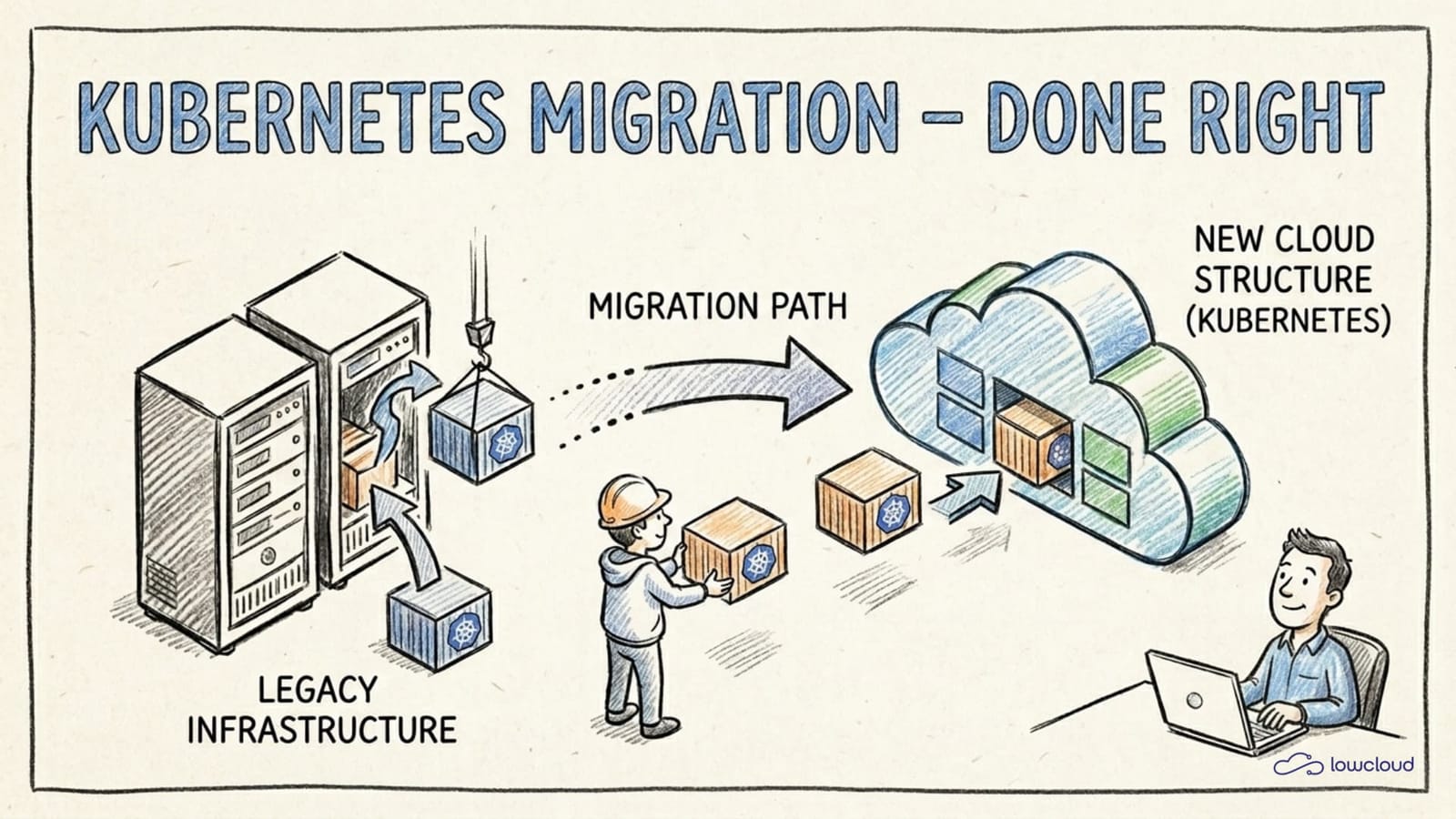
Migrating to Kubernetes sounds like a straightforward infrastructure task. You take your existing applications, pack them into containers, write a few YAML files, and roll out. In practice, it rarely works that way. Teams that migrate without proper preparation quickly end up with a cluster that technically runs but makes nobody happy operationally: unstable pods, unclear responsibilities, and alerts going off in the middle of the night. Before committing to the migration, it's worth evaluating Docker Compose, Swarm, and Kubernetes side by side. This article shows where the real problems arise and how to avoid them.
Kubernetes Is a Tool, Not a Goal
A common misconception: Kubernetes migration is treated as an infrastructure project when it's actually an architecture project. The platform provides mechanisms (scheduling, self-healing, scaling, service discovery) that only work when applications are designed for them.
A classic VM application that writes configuration locally to disk, stores log files under /var/log, and assumes the process never restarts will technically start on Kubernetes. But it will misbehave. Pods get restarted, logs are lost, configuration disappears.
Kubernetes only pays off when applications are ephemeral, stateless, and observable. That's not a criticism of the platform, but the prerequisite for using it sensibly. Understanding this at the start of a migration saves a lot of frustration.
Before the Kubernetes Migration: What You Need to Analyze
Before the first pod gets deployed, an honest inventory is worthwhile. Not every application is equally ready for Kubernetes, and different readiness levels require different migration paths.
These questions help:
- Which services are stateless, which have persistent state?
- Which services have external dependencies (databases, message queues, legacy APIs)?
- What are the resource profiles of your applications: CPU-intensive, memory-hungry, IO-bound?
- What do your current deployment processes look like: how is deployment done, how is rollback handled?
- Is there hardcoded configuration, or are environment variables and external config stores used?
Handle Stateful Services Separately
Databases, message queues, and similar systems need their own migration strategy. Simply pulling them into the cluster as StatefulSets is rarely the best idea, at least not at the beginning.
Many teams do well by leaving databases outside the cluster initially, managed on AWS RDS, Cloud SQL, or similar services, and migrating only the application layer. This significantly reduces the attack surface and allows teams to gain experience with Kubernetes without simultaneously having to manage data persistence in the cluster.
If databases should go into the cluster anyway: StatefulSets with persistent volumes are the right approach, but PodDisruptionBudgets, StorageClasses, backup strategies, and upgrade processes must be understood and tested before going to production.
Gather Resource Requirements
One of the most common mistakes in Kubernetes migration is deploying without resources.requests and resources.limits. This feels simpler at first, since no configuration is required and nothing seems to need thinking through. But the price comes later.
Without requests, the Kubernetes scheduler doesn't know how to distribute pods across nodes. Without limits, a single misbehaving pod can destabilize the node. Both lead to hard-to-reproduce problems in production systems.
Before you migrate: measure the current memory and CPU consumption of your services under load. These values are the foundation for sensible requests. Set limits conservatively above them, with some buffer, but not so generous that a bug goes unnoticed.
The Most Common Mistakes in Kubernetes Migration
Some problems appear so regularly they're almost predictable. Here are the most important ones:
Don't Forget Resource Limits
OOMKills are unpleasant. The pod is silently terminated, Kubernetes restarts it, and if nobody is watching the events, the team only notices when users complain. The solution isn't complicated, but it requires sitting down once and thinking through the values.
resources:
  requests:
    memory: "256Mi"
    cpu: "250m"
  limits:
    memory: "512Mi"
    cpu: "500m"
These are example values, since the right numbers depend on your application. What matters is that you set them and that they're based on real measurements, not estimates.
Manage Secrets Securely
Kubernetes Secrets are only Base64-encoded by default, not encrypted. Anyone who stores sensitive data such as database passwords, API keys, and TLS certificates directly as Kubernetes Secrets without cluster-side encryption at rest has a security problem they may not yet see.
The recommended approaches:
- External Secrets Operator with an external secret store (AWS Secrets Manager, HashiCorp Vault, GCP Secret Manager)
- Sealed Secrets for GitOps workflows where secrets are stored as encrypted CRDs in the repository
- Vault Agent Injector for direct integration with HashiCorp Vault
Which path you choose depends on your infrastructure. But you should take one of these paths before production data lands in the cluster.
Set Up Observability Before Things Break
Without metrics, logs, and traces, a Kubernetes cluster is a black box. Problems occur, but there's no basis for isolating them quickly.
This doesn't mean building the complete observability stack immediately. But at minimum Prometheus for metrics and a central log aggregation system (Loki, Elasticsearch, or a managed service) should be running before the first services are migrated. Grafana dashboards for the most important service metrics help identify problems early.
The health checks livenessProbe and readinessProbe are not nice-to-haves. Without readinessProbe, Kubernetes sends traffic to pods that aren't ready yet. Without livenessProbe, hung processes go undetected.
Kubernetes Migration Step by Step
The safest path to Kubernetes migration is an incremental approach, migrating one service at a time rather than everything at once.
This has several advantages:
- Errors remain isolated and only affect one service
- The team gains more experience with each service
- Rollbacks are manageable because only part of the system is affected
A typical process looks like this:
- Start with a non-critical, stateless service, ideally one that's well-documented and has few external dependencies.
- Containerize and test the service, if not already done.
- Create Kubernetes manifests (or Helm chart / Kustomize overlay), set
requestsandlimits, and configure health checks. - Deploy to a staging cluster and test under realistic load.
- Define a rollout strategy: rolling update works for most services, but for critical paths canary deployment or blue-green is worth considering.
- Validate observability: are logs arriving, do metrics show the expected picture, and are health checks triggering correctly?
- Go live and deactivate the old deployments.
Namespace Strategy and RBAC from the Start
Namespaces are the primary means of isolation in Kubernetes. Deploying all services to the default namespace mixes responsibilities and complicates RBAC configuration, network policies, and later governance.
A sensible basic structure separates by teams or domains, such as team-backend, team-platform, or monitoring, and defines clear access rights per namespace via RBAC. The principle is least privilege: every service account gets exactly the rights it needs, and no more.
NetworkPolicies complement this: without explicit policies, all pods in the cluster communicate with each other. That's rarely desired. Simple default-deny policies per namespace, supplemented by explicit allow rules, significantly reduce the attack surface.
Observability as a Prerequisite, Not an Afterthought
The difference between a well-operable Kubernetes cluster and a hard-to-maintain one often lies not in the workload configuration but in the quality of observability.
Metrics (Prometheus + Grafana), structured logging (JSON logs, central aggregation system), and for more complex systems distributed tracing (OpenTelemetry + Jaeger or Tempo) should be part of the foundation.
Particularly useful are alert rules for pods in CrashLoopBackOff, high restart rates, and unusual resource utilization. These three alerts cover a large portion of the most common production problems in Kubernetes clusters.
Aligning CI/CD Pipelines with Kubernetes
Existing CI/CD pipelines built for classic deployments, such as direct SSH, Ansible playbooks, or simple Docker deployments, usually can't be transferred directly to Kubernetes.
Helm is the most pragmatic starting point for most teams. Charts allow Kubernetes manifests to be parameterized and made reusable. For multiple environments (dev, staging, prod), per-environment values files can be defined.
helm upgrade --install my-service ./charts/my-service \
  -f values.production.yaml \
  --namespace team-backend
Kustomize is an alternative without its own templating language, particularly useful when you want to stay closer to native Kubernetes manifests.
GitOps with Argo CD or Flux ensures that the cluster state always matches the Git repository. Changes aren't applied manually but triggered by commits. This improves traceability and significantly reduces human errors in deployments.
When a PaaS Is the Better Choice
Kubernetes is powerful, but it comes with operational overhead. Cluster management, upgrades, security patches, network configuration, and building and maintaining the observability stack are a non-trivial package of tasks that many teams have to handle alongside actual product development.
If Kubernetes infrastructure isn't core to your business, it's worth asking whether a PaaS platform, which can also help avoid cloud vendor lock-in, is the better choice. Platforms like lowcloud abstract exactly this layer: teams get a deployable Kubernetes environment via a DevOps as a Service platform, without having to become cluster administrators themselves. What is a PaaS
That doesn't mean every application belongs on a PaaS. Teams with specific requirements for cluster configuration or existing Kubernetes expertise in the team often do well managing the cluster themselves. But for teams that want to be productive quickly, without getting lost in Kubernetes infrastructure, a PaaS is a legitimate and often underestimated option.
lowcloud is a Kubernetes-based PaaS platform for teams who want to run their applications reliably with minimal overhead. If you want to reduce Kubernetes complexity without giving up control over your deployments, lowcloud is worth a look. If your migration target includes AI agent workloads in production, that guide covers the specific infrastructure layers — orchestration, memory, and observability — those workloads require.
Cloud Agnostic Architecture: Meaning and Trade-offs
What cloud-agnostic architecture means in practice, where vendor lock-in really occurs, and how Kubernetes enables infrastructure portability.
Self-Host Docmost with Docker Compose and Traefik: Complete Guide
Learn how to self-host Docmost on your own server using Docker Compose and Traefik as a reverse proxy. A step-by-step tutorial for GDPR-compliant documentation.