

Claude Code vs Copilot vs Cursor: AI Coding Compared

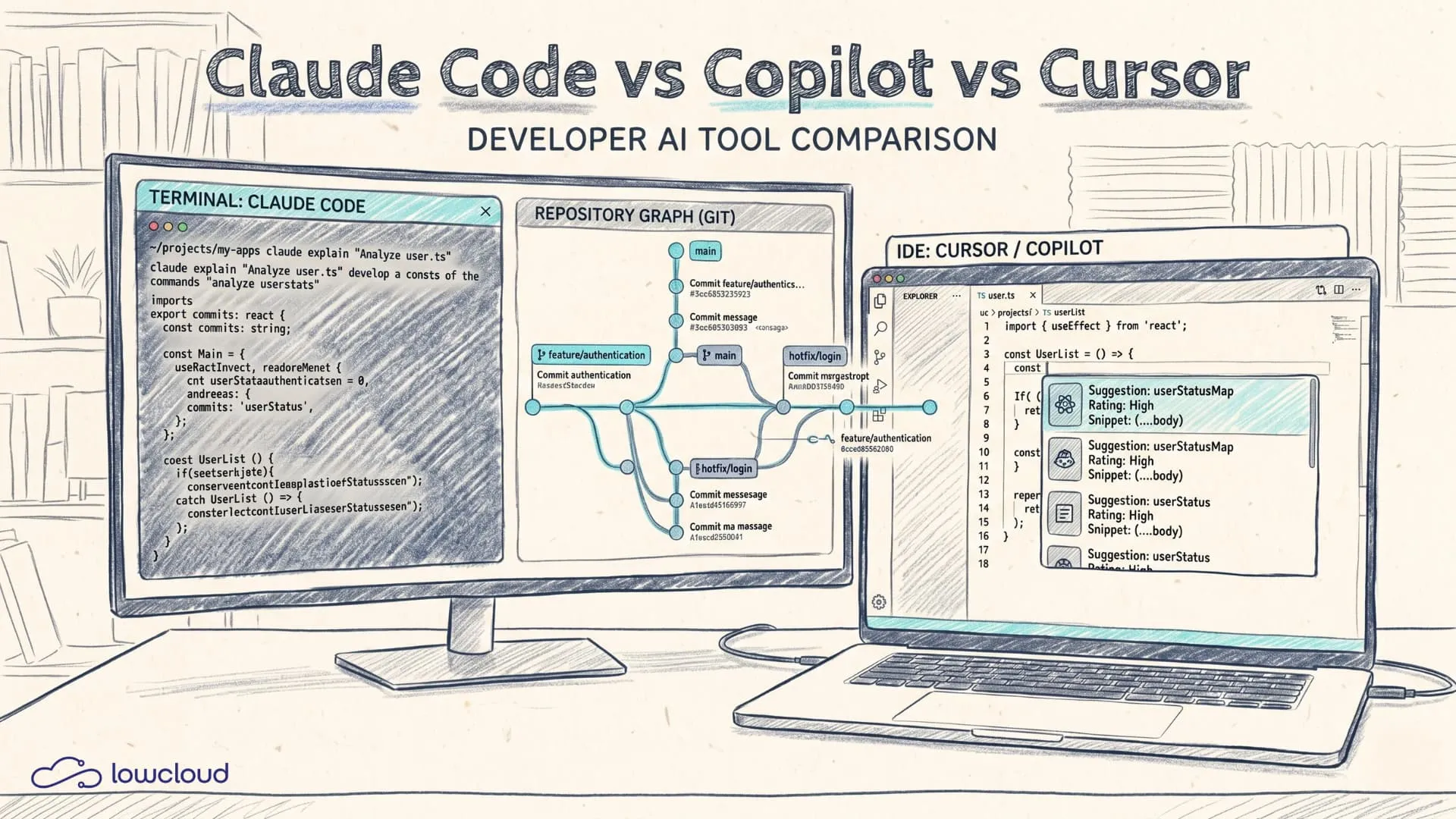
If you build software today, since 2023 at the latest you no longer have just an IDE and a repo – you also have a permanent co-driver: an AI coding tool. The question is no longer "whether," but "which one" and, above all: how to use it so that you end up with less work, not more. In this article we look at Claude Code, GitHub Copilot and Cursor in everyday use: concept, workflow, strengths/weaknesses, risks, team rollout and a decision aid.
Three philosophies: autocomplete, AI-first IDE, agent
Before comparing features, it's worth looking at the core idea behind each tool – because that's exactly where the typical "aha" moments and the frustrations come from. For the broader picture beyond these three, see our overview of the categories of vibe coding tools.
GitHub Copilot historically started out strongest as inline code completion: you type, Copilot fills in the rest. By now there's chat, PR summaries and workspace context, but the core stays the same: quickly suggest code from your current cursor position.
Cursor is more of an "IDE rethought": an AI-first IDE (based on VS Code) in which chat, context selection, refactor commands and code generation are tightly built into the editor UX. The tool wants to "know" your project and enables larger operations than just autocomplete.
Claude Code (as an agent/CLI) goes one step further toward agentic programming: instead of only making suggestions, it can plan tasks across multiple steps, edit files, suggest/run commands and work more like a developer "at the terminal" – with more or less automation depending on the setup.
If you keep this in mind, many differences suddenly make sense: Copilot often feels "lightweight," Cursor "integrated," Claude Code "process-driven."
Setup and daily workflow
Claude Code: terminal-first, repo-aware, task-oriented
Claude Code is a good fit for teams that already do a lot via the terminal, Git workflows and scripting. The typical flow looks like this:
- You go into the repo and start the agent.
- You give it a task ("Implement X, change Y, write tests, update the docs").
- The tool works iteratively: understand context, plan, make changes, run tests, review.
The advantage is that you get into task mode quickly. You don't have to constantly prompt for "small bites" in the editor – you can define larger packages. The downside: you need clear guardrails, otherwise "the agent helps" quickly turns into "the agent makes 30 changes and I review for an hour."
Practical tip: define constraints explicitly, e.g. "no new dependencies," "only change things in /packages/api," "tests with vitest," "no refactor outside the scope." And: have the agent write a plan first, before it touches any files.
GitHub Copilot: available everywhere, very fast, but often "local"
In many teams Copilot is something like the default tool because the barrier to entry is low: install the plugin, log in, go. Autocomplete is the biggest productivity lever for:
- Boilerplate (DTOs, interfaces, mappers)
- Pattern repetitions
- Small utility functions
- Test skeletons
Copilot Chat can additionally explain, refactor and generate snippets. But in practice Copilot tends to stay closer to the current file/surroundings, depending on how well your setup provides context.
That's not necessarily a bad thing. On the contrary: for teams that want to avoid risky large changes, a tool that works "small and fast" is sometimes exactly right.
Cursor: AI in the IDE, good for refactors and "project thinking"
For many people, Cursor feels like "VS Code plus AI that's actually serious." The difference is less that you can chat and more how you assemble context and apply commands to code:
- "Change this function in all occurrences"
- "Merge these modules"
- "Generate tests for these files"
- "Explain the data flow from here to there"
Cursor can work across multiple files relatively efficiently because the UI supports that on purpose. This is often the sweet spot between Copilot (super fast, but sometimes too local) and a CLI agent (powerful, but potentially too far-reaching).
Context: how well does the tool understand my codebase?
Context is the bottleneck with AI coding tools. Not the ability to write code, but the ability to write the right code in your project.
Copilot: strong on local patterns, dependent on IDE/workspace context
Copilot is very good at recognizing the patterns you're currently typing. If you have a consistent repository (naming, layering, tests), Copilot often delivers suggestions that feel "borderline magical."
But as soon as multiple modules interact (e.g. backend + frontend + IaC), the question becomes: "Does Copilot actually see the relevant files?" In many cases it makes sense to feed Copilot Chat specific code snippets, or to phrase the question so that the answer doesn't have to make implicit assumptions.
Cursor: context selection as a UX feature
Cursor has the advantage that context selection doesn't just happen "in the background." You can deliberately say: "Take these files, these folders, this class." That reduces two typical problems:
- The tool guesses which parts are relevant, and guesses wrong.
- You get plausible answers that don't actually compile in your project.
If you use Cursor well, you work less "prompt-centric" and more "context-centric." You select the relevant parts and then let operations run.
Claude Code: plan, iterate, and build context across steps
Agentic tools can build context across multiple steps: first scan the repo (conceptually), then read individual files, then make changes, then run tests. This is especially useful for:
- Migration tasks (API versions, DB schemas)
- Large refactors
- Cross-cutting changes (logging, auth, observability)
The flip side: the more freedom an agent has, the more important review discipline becomes. The tool can make changes in 10 minutes that cost you a week later if it was architecturally "almost right."
Quality: debugging, tests, refactoring
Debugging: "explain" vs. "fix"
Copilot Chat and Cursor are both good at interpreting error messages, explaining stack traces and naming possible causes. Claude Code can additionally go into a fix loop: "change, test, change again."
For debugging it's crucial that you don't just ask the AI "why," but also give it concretely measurable goals:
- "Test
Xmust go green" - "The API
/v1/foomust no longer throw a 500, reproducible with this request" - "Latency must stay below 200ms"
The clearer the goal, the less the AI drifts.
Test generation: fast, but not automatically good
All three tools can generate tests. The difference is how much context they have and how at home they are in your test setup.
Typical problems with AI-generated tests:
- They test implementation instead of behavior.
- They mock too much and test nothing real.
- They build unrealistic fixtures.
- They use the wrong test runner APIs.
A sensible approach is to force the AI to be "behavior-first":
- "Write tests for this function that cover the edge cases: null/empty, invalid input, permission denied, timeout."
- "Do not use snapshots."
- "Use real database transactions in a test container (or: use exactly this mocking pattern)."
If your project uses containers/services anyway, an agent workflow can help: write changes, run tests, fix, until it passes.
Refactoring: Cursor and agents often have the edge
Copilot is good for small refactors within a file. Cursor is often stronger when you want to deliberately restructure multiple files. Agentic tools like Claude Code can orchestrate large refactors, but the rule applies: without boundaries and without tests, that's a risk.
A pragmatic pattern:
- The AI creates a plan + a list of affected files.
- You confirm the scope.
- The AI makes changes in small commits (or logically separated blocks).
- Tests/lint run after each block.
Security, compliance and data protection: the part that usually comes too late
When you introduce AI coding tools into a team, the technical question is often answered quickly. The long-term question is: "Are we even allowed to do this? And what happens when it goes wrong?"
Risks that are real (not theoretical)
- IP/code exfiltration: code or internal details end up in an external system (depending on policy).
- Secrets: developers copy-paste tokens into the chat. Or the tool reads
.env. - Prompt injection via repo content: when a tool "reads" files, a malicious comment or text can try to manipulate the agent ("ignore previous instructions").
- Supply chain: the AI suggests dependencies you don't want.
- Lack of traceability: who generated what? What was reviewed? How do you prove it?
Here the tools differ less through marketing and more through their operating model: how is the enterprise policy, logging, telemetry, data retention, and how can all of this be made auditable?
Practical guardrails for teams
- Define a "no secrets" rule: never put real tokens/keys into prompts.
- Use pre-commit hooks to detect secrets.
- Specify which repos/folders AI tools are allowed to read.
- Use "prompt templates" for recurring tasks (testing, migration, review).
- Make code review mandatory: AI-generated code is not "exempt."
If you operate in a regulated environment (compliance, data protection), the bottleneck is often not the coding tool but the deployment and operations. This is exactly where the overall setup matters: where do your apps run, where does data live, who has access?
Cost, team rollout and governance
Cost is not just license cost
Yes, Copilot is often cheap per seat and therefore attractive. Cursor and agentic tools can seem more expensive. But: the most expensive line item is almost never the license, it's review and error costs.
Questions that matter in practice:
- How many PRs get faster?
- How often does AI produce "almost right" code that causes bugs later?
- How much time do you save onboarding new developers?
- How much does test coverage improve (or how much does the signal-to-noise ratio get worse)?
Rollout: rules first, then tool
When you bring AI into the team, you should clarify three things beforehand:
- Definition of Done: tests, lint, security checks, review.
- Scope: which kinds of tasks are AI tools allowed to handle autonomously?
- Transparency: does the PR have to state what the AI did?
A simple standard that works: in the PR description, an "AI assistance" section, e.g. "Copilot for boilerplate, Cursor for refactor, everything reviewed." Not as bureaucracy, but as hygiene.
Which tool fits which scenario?
There is no "best." There is only a tool that fits your workflow.
If you mainly want to "type faster": Copilot
Copilot is ideal when:
- you write a lot of standard code (CRUD, APIs, DTOs)
- you want to generate small functions quickly
- you want a tool that behaves in a minimally invasive way
- you still want to consciously make most of the architectural decisions yourself
Copilot is less ideal when you regularly want to make large repo-wide changes and expect the tool to "think along."
If you want larger operations in the IDE: Cursor
Cursor is strong when:
- you need refactors across multiple files
- you frequently do "explain the project to me" / "show me the data flow"
- you want a UI that makes context deliberately manageable
- you want to live in the IDE and not in the terminal
But Cursor can also mean more "lock-in," because it's its own IDE distribution. That matters in a team: standardization, settings, extensions, support.
If you want to delegate tasks that need many steps: Claude Code
Claude Code (agentic/CLI) is a good fit when:
- you have recurring tasks: migrations, test fixes, doc updates, release notes
- you want a tool that works iteratively (change → test → fix)
- you have clearly defined processes (or want to build them)
- you're willing to review strictly and set boundaries
The rule of thumb: the more agentic the tool, the more important tests and scope controls are.
A sensible "hybrid" workflow (often better than the tool debate)
Many teams end up with a combination:
- Copilot for fast inline completion
- Cursor for IDE refactors and "project questions"
- Claude Code for larger task packages that need multiple steps
That's not overkill when the rules are clear. It's overkill when everyone does something by gut feeling and no one knows why the code ended up the way it did.
How lowcloud fits into this setup: deploy sovereignly, without extra effort
AI coding tools speed up development. But they don't change reality: in the end the code has to run, data has to be protected, and deployments have to be reproducible. Precisely when more code is produced faster, avoiding the typical deployment problems becomes even more important.
lowcloud can help here as a sovereign platform, because you can roll out full-stack applications and container workloads with one-click deployment, including the typical "production reality" like monitoring and operating stateful services (e.g. databases). If you want to host in Germany and still want a developer experience that feels more like Vercel, that's a pragmatic approach: ship faster, but with clear sovereignty and less operational overhead.
Conclusion
If you're looking for a tool that makes you faster while typing, Copilot is often the obvious start. If you want more context and refactor power on the IDE side, Cursor is frequently the productivity lever. If you want to delegate tasks that span multiple steps, agentic tools like Claude Code play to their strengths – but only with clear boundaries and tests.
Ship Fast: Sovereign Cloud Providers Germany Compared
Compare sovereign cloud providers in Germany with a builder-first framework: ship fast, keep data in the EU, and avoid lock-in, without a platform team.
What Does It Cost to Host an AI-Built App? Honest Math
5, 50, or 500 euros a month? We break down what hosting, domain, database, and maintenance really cost for your AI-built app.