Dokploy vs Coolify: Which Tool Fits When?

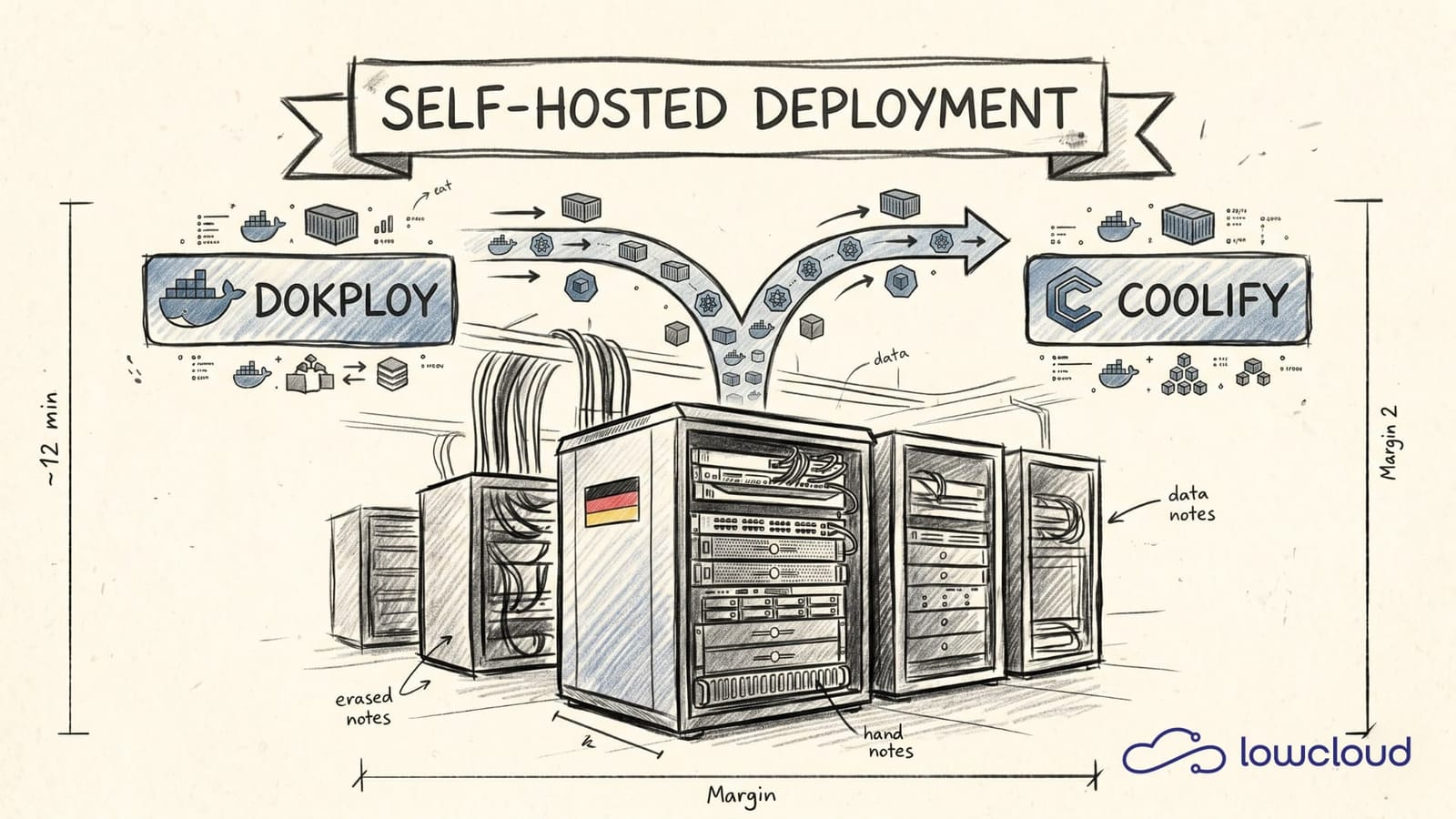
Dokploy vs Coolify: Differences, Strengths, and When to Use Which
Anyone who wants to run container applications themselves quickly arrives at a simple but tough requirement: "git push and it runs," without an ops team spending months fiddling with reverse proxies, TLS, backups, and deploy strategies afterwards. Tools like Coolify and Dokploy aim straight at that gap: they give you a PaaS-like interface on top of Docker/container workloads so that deployments become reproducible and less knowledge stays locked inside individual heads.
This article isn't about "which logo looks nicer." It's about the technical differences, the typical operational traps, and a pragmatic decision aid: what works well on a VPS, what becomes painful in multi-app operation, and at what point a platform pays off that handles the whole thing in a sovereign, standardized way.
What Coolify and Dokploy fundamentally solve, and what they don't
Both tools address the same pain point: you have source code in Git (or a Docker image) and want to build reproducible deployments from it, including domains, TLS certificates, routing, and logs, without wiring everything up by hand every time. At the same time, you don't want to "have to learn" Kubernetes just to host a web app reliably.
But it's just as important to understand what they typically are not: not a full GitOps controller like ArgoCD/Flux, not a substitute for a solid infrastructure foundation (firewall, IAM, backups, monitoring, incident processes), and not "automatic compliance." Compliance comes from your hosting location, processes, and technical controls, not from a UI.
If you keep those limits in mind, you can use Coolify and Dokploy very sensibly as a deployment layer.
Architecture & orchestration: Docker-first, but with consequences
The biggest practical difference often doesn't show up in a feature screenshot but in one question: how are containers actually run and managed?
Docker directly vs. orchestration
Many self-hosting platforms start out as a "Docker UI" but grow toward orchestration:
- Docker directly is fast, but with multiple services and updates it gets fragile.
- Orchestration (Swarm/Kubernetes) can bring stability, but increases complexity.
What matters is less which buzzword is on the box and more:
- How are deployments versioned?
- Are there rollbacks?
- What does service discovery/networking look like?
- How is state (volumes, DBs) handled?
What you should look at concretely
Regardless of whether you use Coolify or Dokploy, a quick reality check pays off: which deploy strategy is available (recreate with a short downtime vs. rolling/blue-green)? How strict are the health checks, and can a deployment roll back automatically on failure? Where does the "truth" of your configuration live — in the UI, in YAML, in Git, or somewhere in between (config drift)? And crucially: what does the path look like when you eventually want to move from single-node to HA? Migrations get expensive precisely when you plan them too late.
Developer workflow: Git integration, builds, deployments, rollbacks
The developer workflow decides whether the tool gets adopted in daily work or ends up as an "ops toy."
Git-based deployments
A good baseline is being able to connect a repo (GitHub/GitLab etc.), define a build definition (Dockerfile, Nixpacks, Buildpacks, etc.), and trigger deployments via push, tag, or manually. That includes per-environment variables/secrets as well as a clean deployment history with logs and events.
In practice, the details decide it: build caching saves a massive amount of time and money with frequent deploys. Preview environments are great for PRs, but only if DNS/TLS and automatic cleanup really work cleanly. And rollback is more than "start the old container" — configuration, secrets, and especially DB migrations have to be thought through.
"Rollback" without a migration strategy is just a feeling
The classic case: app deployed, DB migration runs, bug found, rollback pressed, and suddenly the old version starts against a new schema. If you seriously want rollbacks, you need at least one of the following strategies: forward-compatible migrations or feature flags; migrations that are separately deployable; or a clear cutover plan (blue/green including a DB plan). This isn't "Coolify vs Dokploy," it's platform reality. Some tools help you with it better, e.g. through a clear deployment history, hook systems, or environment models.
Databases & stateful workloads: the point where self-hosting hurts
Deploying web apps is relatively easy. Databases are the part that wakes you up at night.
DB provisioning: convenient vs. accountable
Many platforms offer "one-click PostgreSQL/MySQL/Redis." That's helpful, but you should still check where the volumes live, how backups are made, how you test restores, how upgrades (major versions) work, and whether there is encryption "at rest" (usually this depends on the storage/host). Even if the tool creates DBs for you, it remains your responsibility to make sure backups exist and recovery works.
Backups: "configured" is not "verified"
A solid setup means: automated backups (e.g. pg_dump or snapshots) in separate storage, a clear retention policy (e.g. 7/30/180 days), regular restore tests, and a documented recovery process. If you specifically don't want to do that, what you're really looking for is a platform that handles stateful deployments and backups in a standardized or managed way.
Networking, TLS, domains, and downtime: the invisible complexity
Reverse proxy: Traefik/Nginx & co.
Whether you use Traefik, Nginx, or Caddy: the reverse proxy is on the critical path. Check:
- Automatic ACME/TLS (Let's Encrypt)
- Wildcards vs. individual certificates
- HTTP/2, WebSockets, gRPC if relevant
- Rate limiting / basic WAF (or integration with external components)
Zero-downtime: only if your setup supports it
"Zero downtime" gets promised a lot, but it depends on:
- Deploy strategy (rolling)
- Load balancing (at least 2 instances)
- Session handling (stateless or shared store)
- Database migrations (see above)
On a single node with one instance, "zero downtime" is mostly marketing or means "a short restart." That's fine — as long as you plan for it honestly.
Observability: logs are not monitoring
Many tools show container logs. That's good, but observability is more:
- Metrics (CPU, RAM, disk, network, app metrics)
- Alerts (don't find out only when users complain)
In practice this usually means: export to Prometheus/Grafana or a managed service, standardized log retention, and alerting (pager/Slack/email) based on real SLOs. If Coolify/Dokploy only give you logs, plan monitoring separately — otherwise you're blind during an incident.
Security & access models: who's allowed to do what, and how do you audit it?
Self-hosted deployment platforms quickly become the "keys to the kingdom." That's why questions like these aren't optional:
Is there RBAC (roles, teams, projects)? Can you audit deployments (who deployed what and when)? How are secrets stored (encryption, at least access separation)? And how are updates to the platform itself handled (security patches)?
Attack surfaces that are easily overlooked
The platform server is often also the Docker host. If the platform is compromised, the host is often compromised too. Webhooks/deploy tokens become high-value credentials. And misconfigured ingress rules suddenly expose internal services to the outside.
If you run more than hobby projects, define at least segmented networks, minimal access (VPN/SSO, IP allowlists), regular updates/CVE review, as well as backup and recovery tests.
Operations & maintainability: updates, migrations, recovery
This is where "it works" separates from "it works in 12 months."
Upgrading the platform
Good questions:
- Is the upgrade a Docker Compose pull and restart?
- Are there migrations that can go wrong?
- What does a rollback of the platform look like?
- How strong is the support/community factor?
The more you rely on the platform, the more important a stable upgrade path becomes.
Disaster recovery: what happens if the server is gone?
If you're honest, "a VPS" isn't a plan, it's an assumption. A real plan answers:
- Where are your backups (off the host)?
- How quickly can you re-provision?
- How do you restore DNS/TLS?
- How do you bring secrets back?
If you have to do all of that manually, the "one-click" advantage is gone fast.
Decision matrix: when does Coolify fit, when Dokploy?
Without drifting into version details or individual UI flows (which can change), you can structure your decision around criteria.
Coolify often fits when …
Coolify often fits when you want a broad community and lots of "how-to" material, want to get started quickly, and value an "all-in-one" interface (apps, DBs, domains). Where a managed platform makes more sense is covered in our lowcloud vs. Coolify comparison.
Dokploy often fits when …
Dokploy often fits when you're looking for a tool that slots well into your existing Docker workflow, you prefer a clear deploy history and focused operation, and you want as little "platform magic" as possible — that is, you deliberately take on responsibility yourself. Our lowcloud vs. Dokploy comparison digs into Dokploy's multi-node Swarm model in detail.
A typical recommendation from practice
For 1–3 apps on a single server (moderate availability), generally pick the tool you can set up cleanly in 30 minutes — and invest the time you save in backups and monitoring instead. As soon as you have multiple teams/projects, rising availability, or compliance requirements, RBAC, auditability, upgrade paths, and recovery become decisive. Then it often pays off more to think in platform standards than in tool features.
If you catch yourself having to build a checklist of 30 "ops basics" on the side, you probably don't want "yet another self-hosting tool" but a solution that standardizes these things.
Short verdict: the concrete difference between Coolify and Dokploy
If you're looking for the "what's this really about?", the difference can be boiled down like this:
- Coolify tends to be the broader all-in-one platform: lots of "batteries included" (apps + DBs + domains + UI), often with the goal of covering as many typical hosting cases as possible from a single interface.
- Dokploy tends to be the more focused deployment layer: closer to the classic Docker/Compose workflow, less platform "magic," but often quicker to understand if you already know how to structure Docker services.
In one sentence
- Coolify: "I want the most complete self-hosted PaaS feeling from a single tool."
- Dokploy: "I want to make deployments cleaner/more convenient without the platform abstracting too much away from me."
Practical decision aid (rule of thumb)
- Pick Coolify if you want many standard building blocks (apps + databases + domains) in one interface quickly and prefer a larger "all-in-one" toolbox over maximum transparency.
- Pick Dokploy if you deliberately want to carry more operational responsibility but are looking for a leaner layer on top of your existing Docker setup.
Important: in everyday use it's not the feature lists that decide, but backups/restore, updates, permissions/RBAC, observability, and recovery. That's exactly where self-hosting often tips from "nice" to "critical."
Where lowcloud comes in: sovereign one-click container deployment
Coolify and Dokploy are good options if you deliberately want to self-host and can carry the operational responsibility. But many teams want exactly the opposite: deployments like Vercel/Heroku, but with sovereignty and without "ops as a side job." For teams planning a migration, we line up the serious Heroku alternatives.
lowcloud is designed to deploy full-stack and container workloads in one click — including the parts that are often underestimated in self-hosting:
- Sovereignty: hosting in Germany, clear data ownership.
- Container deployment without tinkering: no "reverse proxy weekend," but standardized deploy paths.
- Stateful deployments: databases and persistent services aren't a special case but part of the model.
- Monitoring: not just "look at the logs," but observability as a platform baseline.
This doesn't replace your architectural thinking, but it reduces the part that keeps you from building productive software.
Conclusion: ask the operational questions first, then choose the tool
"Dokploy vs Coolify" sounds like a feature question. In practice it's usually an operational question:
- How important are backups and restore?
- How quickly do you need to roll out updates safely?
- How many apps/teams will join?
- How much downtime is acceptable?
- How much sovereignty/compliance do you need?
If you answer that, the tool choice is often obvious. And if you realize that what you actually want is a platform that standardizes deployments, state, and operations, then a sovereign approach like lowcloud is often the more logical step than "even more self-hosting screws to turn."
Vibe Coding: The Typical Deployment Problems
Vibe-coded apps run locally but break in production. The most common deployment problems, from missing secrets to an exposed database, and how to fix them.
Vercel vs Netlify: The Difference – and When lowcloud Fits
Vercel and Netlify compared: runtime models, costs, full-stack reality, and lock-in. Plus when a container-based approach like lowcloud is the better fit.