
Autoscaling
Learn how to configure resource limits and autoscaling for your App Service in lowcloud.
Last updated: April 3, 2026
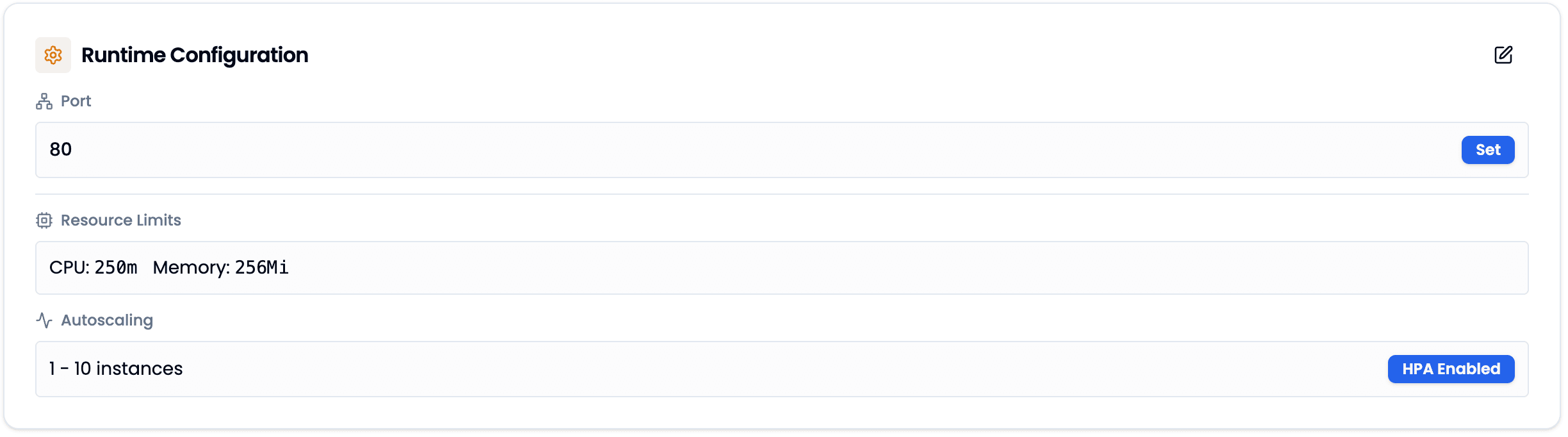
The Runtime Configuration defines how many resources your App Service can use and how it scales under load.
Resource Limits
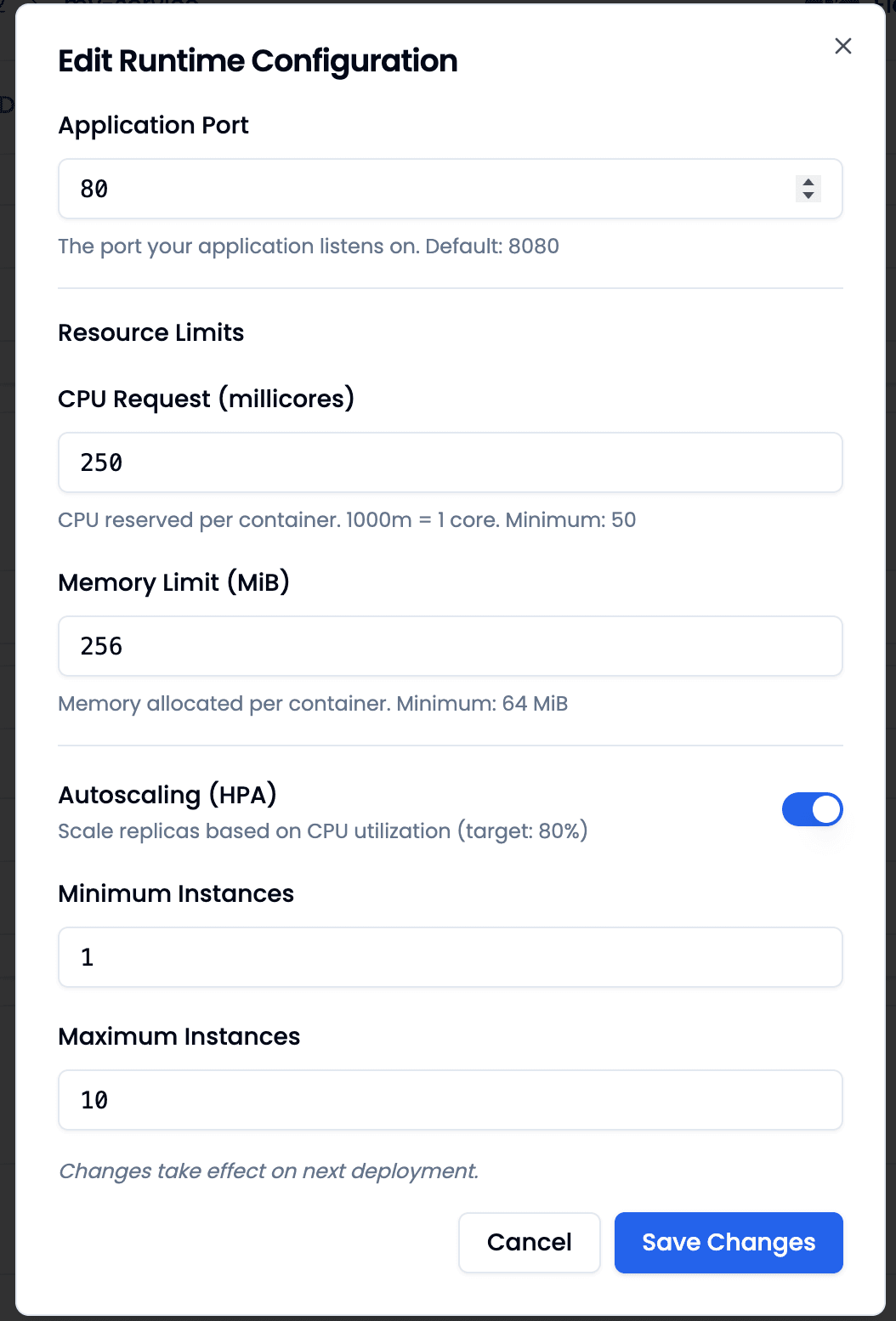
Resource Limits define how much CPU and memory each instance of your App Service can use. The CPU Request specifies how many millicores are reserved per container (1000m = 1 core, minimum: 50). The Memory Limit sets the maximum allocated memory in MiB (minimum: 64 MiB).
Autoscaling (HPA)
You can choose between two modes: With autoscaling disabled, your App Service runs with a fixed number of instances. When you enable autoscaling, Kubernetes automatically scales the number of instances based on CPU utilization (target: 80%). You set the minimum and maximum number of instances.
Changes take effect on the next deployment.