Kubernetes vs. Docker Swarm: Key Differences and Why K8s Won

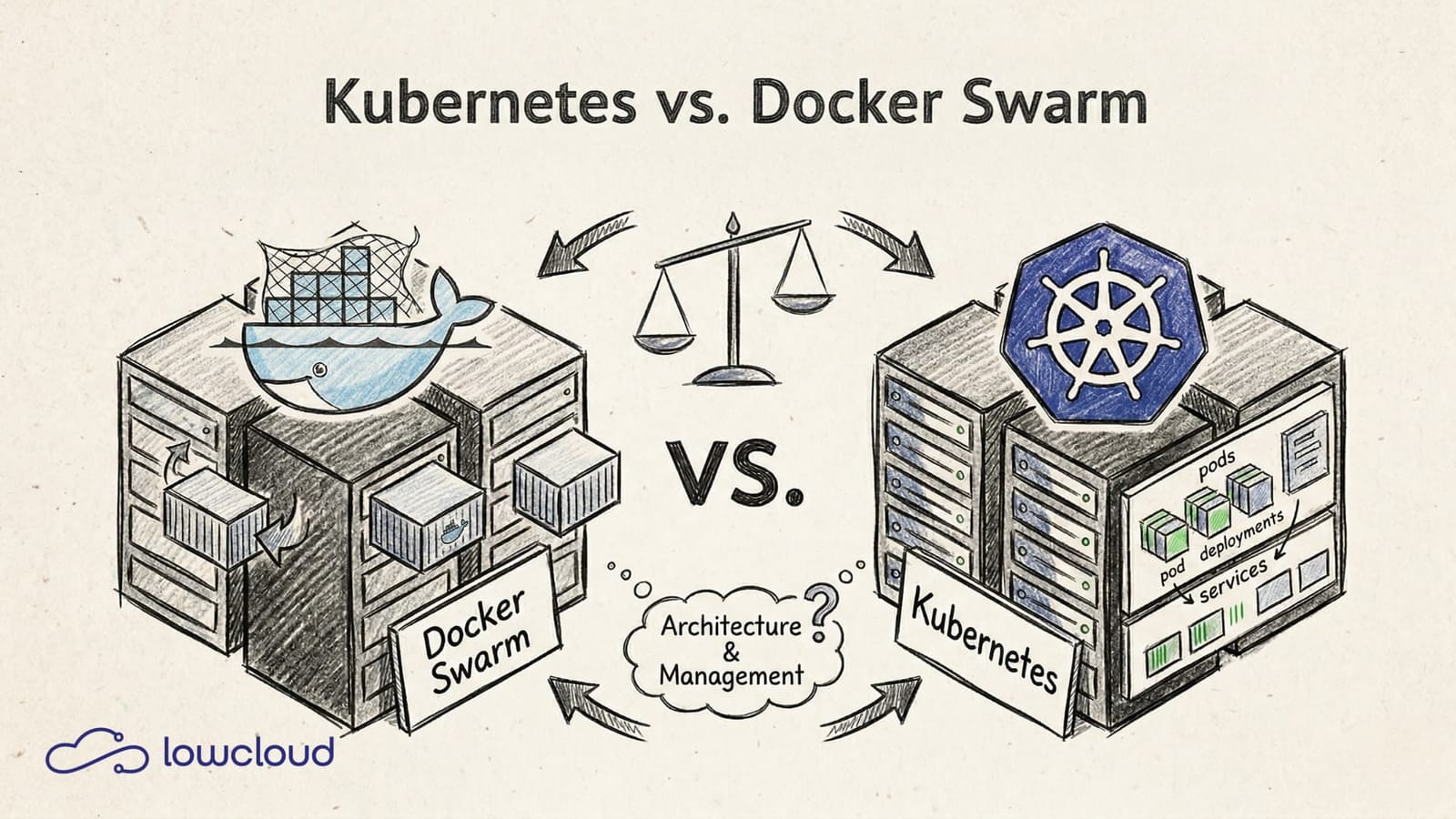
If you want to run containers in production, you need an answer to a simple question: who decides where each container runs, how it scales, and what happens when a node goes down? That's container orchestration. And two names have long been compared in this space: Kubernetes and Docker Swarm.
Kubernetes vs. Docker Swarm is no longer an academic comparison. The market has decided — but it's still worth understanding why, and when Swarm can still be a valid option. For the full Docker-to-Kubernetes tooling landscape — including docker run and Compose — see our broader comparison.
What Is Docker Swarm?
Docker Swarm is Docker's native clustering solution. It's built directly into the Docker daemon, which makes its biggest advantage also its biggest limitation: if you know Docker, there's almost nothing new to learn. A Swarm cluster can be set up in minutes.
At its core, a Swarm consists of manager nodes and worker nodes. Managers coordinate the cluster state and distribute tasks, workers run containers. Configuration uses docker-compose-like stack files — most Docker developers feel right at home.
That's exactly why Swarm was attractive for a while: no new abstraction layer, no new toolchain, no steep learning curve. Just Docker, but distributed.
What Is Kubernetes?
Kubernetes has a different origin. It was created at Google as an open-source version of the internal Borg system that orchestrates Google's entire infrastructure. Since 2016, it has been maintained by the Cloud Native Computing Foundation (CNCF) and is now the most widely adopted container orchestration system in the world.
The architecture is more complex than Swarm. A Kubernetes cluster consists of:
- Control Plane: API server (central entry point), etcd (distributed key-value store for cluster state), scheduler (decides which node a pod runs on), controller manager (maintains the desired state).
- Worker Nodes: Running on each node — kubelet (communicates with the API server), kube-proxy (network rules), container runtime (e.g., containerd).
The fundamental unit isn't the container but the pod — a group of one or more tightly coupled containers that share a network namespace.
Kubernetes vs. Docker Swarm: The Key Differences
Architecture and Complexity
Swarm is simple. That's not a value judgment — it's a technical fact. The lower complexity makes getting started easy but becomes a problem as requirements grow. Kubernetes has more moving parts, and for good reason.
With Kubernetes, you get fine-grained control over every aspect of deployment: ResourceRequests and ResourceLimits per container, PodDisruptionBudgets, PriorityClasses, taints and tolerations for targeted scheduling. This isn't feature overkill — these are tools that production environments sooner or later require.
Scaling and Scheduling
Docker Swarm scales services horizontally — you increase the replica count and that's it. It works, but it's manual or requires external tooling.
Kubernetes has native concepts built in for this:
- Horizontal Pod Autoscaler (HPA): Automatically scales pods based on CPU, memory, or custom metrics.
- Vertical Pod Autoscaler (VPA): Automatically adjusts ResourceRequests.
- Cluster Autoscaler: Adds new nodes to the cluster on demand — fully automatic in cloud environments.
The Kubernetes scheduler is also significantly more mature. It considers node affinities, resource availability, spread constraints, and more. In Swarm, a task runs somewhere. In Kubernetes, it runs exactly where it belongs.
Networking
Kubernetes uses the CNI model (Container Network Interface). This means you choose a network plugin that fits your requirements — Calico for NetworkPolicies and security, Flannel for simplicity, Cilium for eBPF-based high-performance networking.
# NetworkPolicy example: allow only port 80 from specific pods
apiVersion: networking.k8s.io/v1
kind: NetworkPolicy
metadata:
  name: allow-frontend
spec:
  podSelector:
    matchLabels:
      app: backend
  ingress:
  - from:
    - podSelector:
        matchLabels:
          app: frontend
    ports:
    - port: 80
Swarm has a built-in overlay network that works out of the box. But fine-grained network rules, service meshes, or advanced traffic policies are nearly impossible to implement with it.
Storage and Persistence
Stateful workloads are one of the biggest challenges in container environments. Kubernetes addresses this with a mature storage model:
- PersistentVolumes (PV): Abstraction over the actual storage backend (NFS, Ceph, cloud disks, etc.)
- PersistentVolumeClaims (PVC): A pod's request for a PV
- StorageClasses: Dynamic provisioning of storage on demand
- StatefulSets: A specialized workload type for databases and other stateful applications with stable network identities
Swarm supports volumes, but the concept is far less mature. Anyone running databases in a cluster will hit Swarm's limits early.
Self-Healing and Resilience
Both systems restart failed containers. Kubernetes goes further: it detects failed health checks, removes affected pods from service load balancing before restarting them, and automatically redistributes workloads when a node fails.
Liveness probes and readiness probes are first-class citizens in Kubernetes — every deployment can be configured to define how the cluster determines a container's health. Once you've set this up properly, you won't want to go without it.
When Does Docker Swarm Still Make Sense?
Honestly: in fewer and fewer situations. But they still exist.
If you have a small team that already knows Docker, runs a manageable number of services, and has no complex scaling requirements, then Swarm is faster to set up and easier to operate. For internal tools, staging environments, or small SaaS setups with static workloads, Kubernetes overhead can sometimes be hard to justify.
The problem: these situations are rarely stable. Workloads grow, requirements change, and migrating from Swarm to Kubernetes in the middle of a growth phase is painful. Many teams that bet on Swarm early end up regretting that decision later.
On top of that: Docker hasn't actively developed Swarm. It's not dead, but it's stagnating — while Kubernetes ships new features multiple times a year.
Why Kubernetes Became the Standard
It would be too simple to say Kubernetes won because it's better. The reality is more nuanced, but the conclusion is the same.
Ecosystem: A massive ecosystem has grown around Kubernetes. Helm for package management, Argo CD for GitOps deployments, Istio or Linkerd for service meshes, Prometheus and Grafana for monitoring, cert-manager for TLS automation. Each of these tools solves a real problem that Swarm alone doesn't address.
Cloud support: AWS (EKS), Google (GKE), and Azure (AKS) offer managed Kubernetes as a first-class service. Node provisioning, control plane management, updates, security patches — the cloud provider handles it all. Managed Swarm no longer exists in comparable form.
Community and future-proofing: Kubernetes is developed by hundreds of companies and thousands of contributors. The CNCF ensures neutral governance. Investing in Kubernetes today means investing in a technology that will still exist in five years — that's less certain for Swarm.
Standardization: Anyone who knows Kubernetes can work on any cloud provider, on-premise, and on bare metal. The knowledge is portable. Kubernetes has become the common denominator of the industry, simplifying collaboration, hiring, and the use of external tooling.
What Does This Mean for Your Team?
Kubernetes is the right path, but that doesn't mean getting started is easy. The learning curve is real. YAML manifests, Custom Resource Definitions, RBAC, ingress controllers, storage configuration — these are all topics you need to work through.
For teams that want to use Kubernetes in production without managing the entire infrastructure themselves, there's a pragmatic middle ground: Kubernetes-based DevOps-as-a-Service platforms. These abstract away the complexity of cluster management without giving up the advantages of Kubernetes.
lowcloud is one such platform — built on Kubernetes, operated on European infrastructure, designed for development teams that want to focus on their applications, not on cluster management. If you want to use Kubernetes without building a dedicated platform team, it offers a direct path to production.
lowcloud vs. DevOps as a Service Providers Compared
Self-managed DaaS platform or external provider? Compare costs, control, vendor lock-in, and compliance for DevOps outsourcing decisions.
Hetzner Kubernetes Hosting with lowcloud
Run Kubernetes on Hetzner without the ops overhead: lowcloud combines affordable EU infrastructure with full cluster management for product teams.